




You’ve probably heard friends talk about their smart thermostats or seen ads promising lower energy bills. But when you’re already juggling rent, groceries, and everything else, spending money to save money feels like a contradiction. I get it. The idea of investing hundreds up front sounds risky when you’re just trying to make ends meet.
Here’s what I’ve learned after years of watching people transform their homes: smart home upgrades can genuinely reduce your monthly expenses. Not in a dramatic, overnight way, but through small, steady savings that add up. The key is knowing which upgrades actually deliver results and which ones are just expensive toys.
Let me show you how real people are cutting their bills without sacrificing comfort.
The Truth About Smart Thermostats
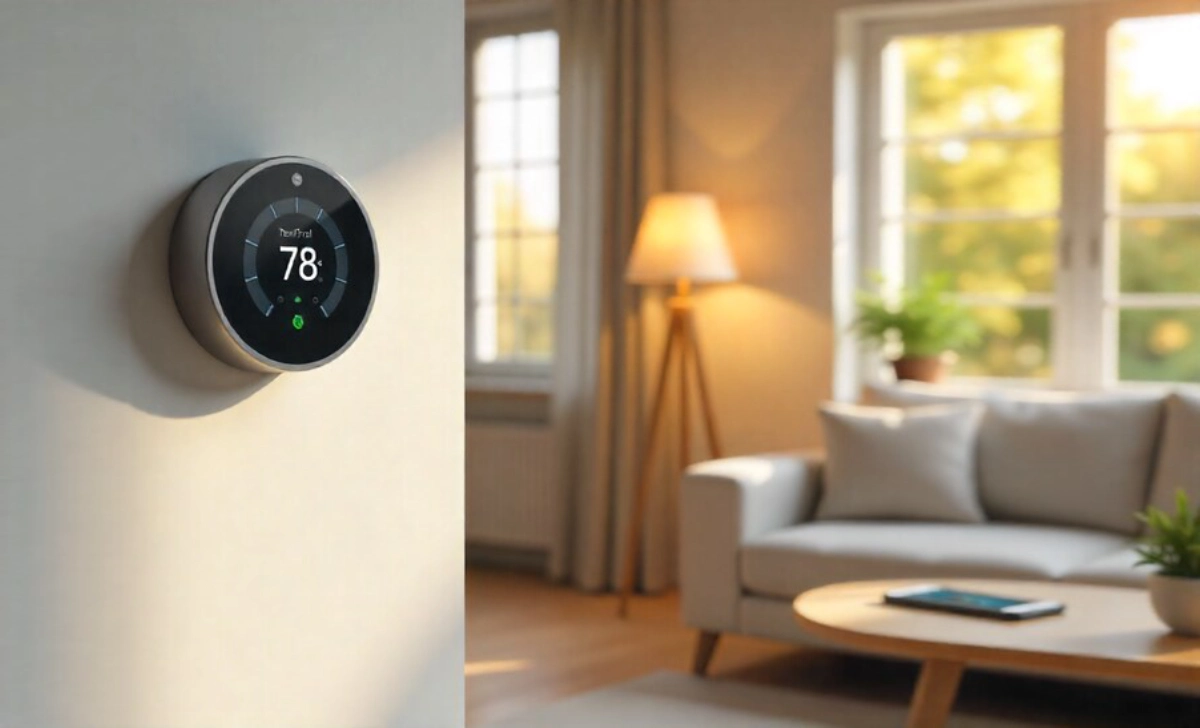
Your heating and cooling system eats up about 40% of your home’s energy costs. That’s not a small number. A smart thermostat learns your schedule and adjusts temperatures automatically. You’re not heating an empty house while you’re at work or cooling bedrooms while everyone’s in the living room.
My neighbor installed one last February. Her first full month showed a $42 drop in her gas bill. She didn’t change anything else about how she lived. The thermostat just stopped wasting energy during hours when no one needed it.
What You’ll Actually Save
Most people see between $130-$180 in yearly savings. That means your $120-$250 thermostat pays for itself within two years. After that, you’re just pocketing the difference. Some utility companies even offer rebates that cut your upfront cost in half.
The installation takes about 30 minutes if you’re comfortable with basic DIY tasks. If not, an electrician charges around $100-$150 for the job.
Smart Lighting That Actually Makes Sense
Switching every bulb in your house to smart LEDs gets expensive fast. You don’t need to do that. Start with the rooms where lights stay on longest: kitchen, living room, and bathrooms.
Smart bulbs use 75% less energy than old incandescent bulbs and last 15-25 times longer. You’re not just saving on electricity. You’re also buying fewer replacement bulbs year after year.
The Motion Sensor Strategy
Place motion sensors in hallways, closets, and garages. These spaces get forgotten all the time. How many times have you left the garage light on overnight? Or walked away from the bathroom without flipping the switch?
Motion sensors cost $15-$30 each. They turn the lights off automatically after detecting no movement for a set time. One family told me they stopped arguing about who left the lights on because the sensors just handled it.
Smart Power Strips Stop Phantom Drain
Your devices pull energy even when turned off. Game consoles, coffee makers, phone chargers, TVs—they all draw small amounts of power constantly. This phantom drain adds $100-$200 to your annual electricity bill.
Smart power strips cut power completely to devices not in use. You can set schedules or control them from your phone. Plug your entertainment center into one strip, and when you’re done watching TV, everything powers down properly.
Where to Place Them
Focus on areas with multiple electronics clustered together:
- Home office (computer, monitor, printer, lamp)
- Entertainment center (TV, streaming devices, sound system, gaming consoles)
- Kitchen counters (coffee maker, toaster, mixer)
A quality smart power strip costs $25-$50. If you replace three traditional strips in high-use areas, you’ll save about $75-$100 yearly.
Smart Water Monitors Catch Leaks Early
A slow toilet leak wastes up to 200 gallons daily. That’s 6,000 gallons monthly you’re paying for without realizing. Water bills climb mysteriously, and you’re left wondering why.
Smart water monitors attach to your main water line. They track usage patterns and alert you to abnormalities. When my friend got a midnight notification about unusual water flow, he discovered a leaking pipe behind his washing machine. Fixing it immediately saved him from thousands in water damage repairs and high bills.
The Hidden Savings
Water damage repairs average $3,000-$10,000. Early leak detection prevents catastrophic problems. Even without major disasters, catching small leaks saves $200-$400 yearly on wasted water.
Installation requires a plumber unless you’re experienced with plumbing work. Budget $150-$300 for professional setup of the monitor itself, which costs $150-$500 depending on features.
Smart Plugs for Energy-Hungry Appliances
Some appliances cost more to run than others. Window air conditioners, space heaters, and dehumidifiers—these can spike your bill if left running unnecessarily. Smart plugs let you schedule exact operating hours or turn devices off remotely.
Run your dehumidifier only during humid afternoon hours. Set your space heater to turn on 30 minutes before you wake up rather than running all night. Control your window AC from work so you’re not cooling an empty apartment for eight hours.
Cost vs Benefit
Smart plugs run $10-$25 each. If you use two for high-wattage devices, you’ll save roughly $50-$100 yearly per device. The payback happens within months.
Your phone shows exact energy consumption for each plugged-in device. You’ll discover which appliances cost the most to run and adjust accordingly.
Smart Blinds and Shade Control
Windows account for 25-30% of heating and cooling energy use. Smart blinds open and close based on time of day, room temperature, or sunlight intensity. They block the afternoon sun in summer and capture the morning warmth in winter.
You don’t need motorized blinds for every window. Prioritize south-facing windows or rooms that get uncomfortably hot. Even treating two or three windows makes a noticeable difference.
Manual Alternatives Work Too
If motorized blinds feel too expensive, smart blind timers attach to existing blinds. They rotate slats or raise shades on schedule for $30-$60 per window. You get similar benefits at a fraction of the cost.
Blocking direct sunlight reduces AC workload by up to 20%. That translates to $60-$120 in annual cooling savings depending on your climate and home size.
The Upgrades Not Worth the Investment
Some smart home technology sounds promising, but doesn’t deliver meaningful savings. Smart refrigerators, for example, cost thousands more than standard models. The energy savings over ten years might total $100-$200, nowhere near the premium price.
Smart ovens and washing machines fall into the same category. They’re convenient, but the financial return doesn’t justify the expense if saving money is your goal.
Save your budget for upgrades worth your money: heating, cooling, lighting, and water.
Start Small and Track Your Results
You don’t need to upgrade everything at once. Pick one category and measure results for two months. Compare your bills before and after installation. Real data shows you what’s working.
Start with a smart thermostat if you live somewhere with significant heating or cooling needs. Choose smart lighting if you have teenagers who never turn off lights. Match your first upgrade to your biggest pain point.
Keep Your Expectations Realistic
Smart home upgrades won’t cut your bills in half. They reduce waste, improve efficiency, and eliminate the human error that costs money. Think 10-30% savings across affected systems rather than dramatic transformations.
The savings compound over time. Year one pays back your initial investment. Year two and beyond, you’re ahead. After five years, you might have an extra $500-$1,000 in your pocket from changes you barely think about anymore.
Making Smart Choices Within Your Budget
You can start with less than $100. Buy a smart power strip and two smart bulbs. Place them where you waste the most energy. See what happens to your next bill.
Check your utility company’s website for rebate programs. Many offer incentives for smart thermostats, LED bulbs, and water-saving devices. Some programs even provide free installation or heavily discounted equipment.
Watch for sales around Black Friday, Amazon Prime Day, and end-of-season clearances. Smart home technology drops in price regularly as newer models arrive.
Your Home, Your Pace
You know your living situation better than anyone. Maybe you rent and can’t install certain devices. Maybe your budget only allows one upgrade this year. That’s perfectly fine. Do what makes sense for you right now.
The beautiful thing about smart home upgrades that pay for themselves is that they work independently. One smart thermostat saves money whether or not you have smart lights. You’re building a more efficient home one piece at a time, not rushing to install everything immediately.
Pay attention to where your money goes each month. Your utility bills tell you where to focus first. High electricity costs? Look at cooling and lighting. Expensive water bills? Check for leaks and install monitors. Your bills are a roadmap showing you exactly where savings hide.
The Long View
Smart home upgrades change how you think about energy use. You become aware of patterns you never noticed before. That awareness alone often leads to better habits—habits that save money without any technology at all.
When you see real-time data showing your AC costs $3 an hour to run, you naturally become more thoughtful about usage. When your phone alerts you that the basement light has been on for six hours, you remember to check things more carefully.
The money you save can go toward something that matters to you. An extra $20 monthly means $240 yearly. That’s a weekend trip, a chunk off debt, or padding in your emergency fund. Small savings create space for bigger goals.