



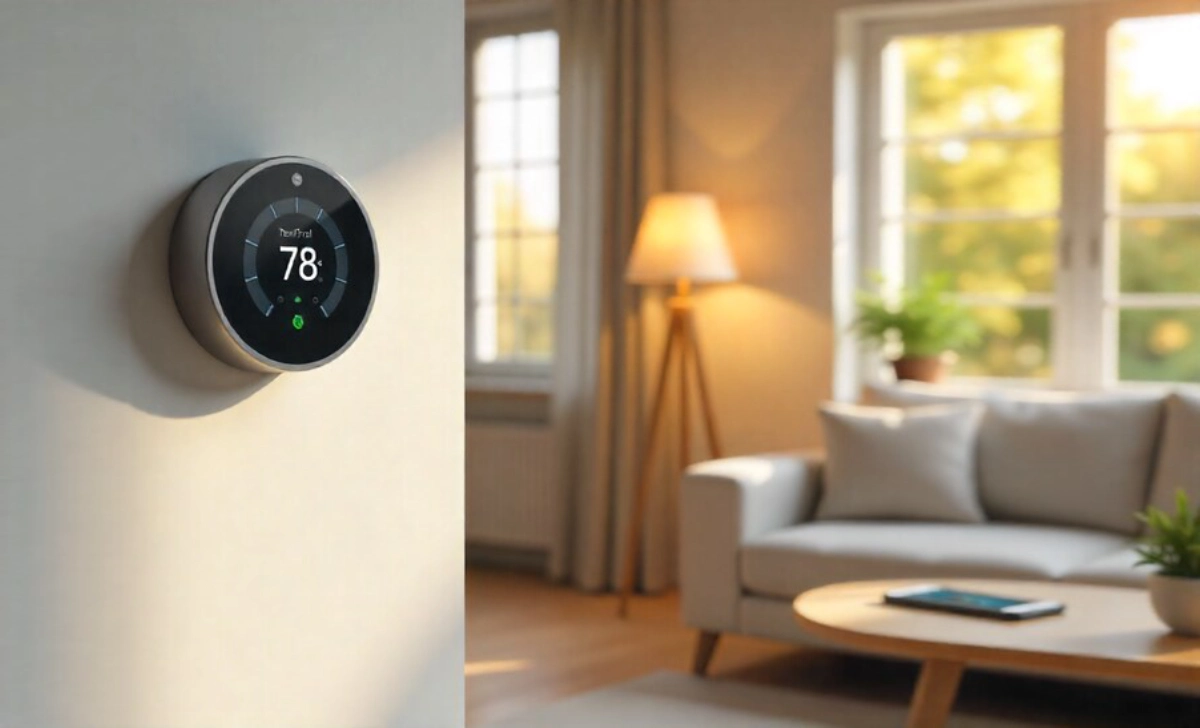


You’ve probably seen the ads. Sleek thermostats that learn your schedule. Light bulbs you control from your phone. Door locks that recognize your fingerprint. They all promise convenience and savings, but here’s what nobody tells you: not every smart home upgrade pays for itself.
I learned this the hard way when I spent $300 on a smart coffee maker that saved me exactly three minutes each morning. Meanwhile, my friend installed a $120 smart thermostat and cut her heating bill by $40 every month. The difference? She asked the right questions before buying.
Choosing smart home upgrades that actually save you money means looking past the flashy features and focusing on what works for your life, your home, and your wallet.
Start with Your Biggest Energy Users
Your heating and cooling system uses more energy than almost anything else in your home. A smart thermostat ranks at the top of money-saving smart home upgrades because it addresses your largest expense.
These devices learn when you’re home and adjust temperatures automatically. You stop heating an empty house all day. You stop cooling bedrooms while everyone sleeps. The savings add up faster than you’d expect.
Look for models that work with your existing HVAC system. Some older systems need a common wire (C-wire) for power. Check before you buy, or you’ll waste time returning something that won’t work.
Track Your Actual Usage
Many smart thermostats show you exactly how much energy you use and when. My sister discovered she was running her AC for two extra hours each evening without realizing it. She adjusted her schedule and saved $25 that first month.
The data matters more than the automation. When you see your patterns clearly, you make better choices.
Smart Lighting Saves More Than You Think
Smart bulbs seem like a small upgrade, but they create real savings in two ways: they use less energy, and you actually turn them off.
Traditional LED bulbs already save money compared to old incandescent bulbs. Smart LEDs take this further by letting you control them remotely. You leave for work and realize you left the bedroom light on? Turn it off on your phone. No wasted electricity for eight hours.
The real magic happens with scheduling. Set your outdoor lights to turn off at sunrise automatically. Program your living room lamps to dim at bedtime. You stop paying for the light you don’t need.
Start with the rooms where lights get left on most often. For most families, that’s kids’ bedrooms, bathrooms, and outdoor spaces.
Choose Bulbs That Fit Your Life
You don’t need color-changing bulbs in every room. Basic smart white bulbs cost less and do the job in most spaces. Save the fancy color options for areas where you actually want mood lighting.
Pay attention to brightness levels too. A 60-watt equivalent works for most table lamps. Larger rooms need 75-watt or 100-watt equivalents. Buying the right brightness the first time saves you from replacing bulbs that don’t meet your needs.
Smart Power Strips Stop Vampire Energy
Your electronics drain power even when you think they’re off. TVs, game consoles, cable boxes, and chargers pull electricity 24 hours a day. This “vampire energy” costs the average household about $100 each year.
Smart power strips cut power to devices when you’re not using them. Plug your entertainment center into one, and everything shuts down completely when you turn off the TV. No standby mode drains watts all night.
These strips cost $30 to $50 and pay for themselves within months. They rank among the simplest smart home upgrades for cutting energy waste.
Group Devices by Usage Pattern
Set up one power strip for entertainment devices that you use together. Create another for office equipment. When you leave your desk for the day, one switch turns off your monitor, printer, and desk lamp.
Some strips let you control outlets individually through an app. You can keep your WiFi router running while shutting down everything else. This flexibility means you save energy without disrupting your routine.
Smart Water Monitoring Prevents Costly Disasters
A slow leak under your sink can waste 90 gallons per day. A running toilet wastes up to 200 gallons daily. You might not notice these problems for weeks, paying for water you never used.
Smart water sensors alert you the moment they detect moisture. Place them under sinks, near water heaters, by washing machines, and around toilets. When something goes wrong, you know immediately.
A $30 sensor can prevent a $3,000 water damage claim. The math makes this one of the smartest investments you can make.
Whole-Home Monitors Catch Hidden Problems
For homes with older plumbing, a whole-home water monitor is installed on your main water line and tracks every drop. These systems cost $200 to $500 but catch problems you’d never see otherwise.
My neighbor’s monitor detected unusual water flow at 3 AM. Turned out their water heater was developing a leak. They fixed it before it flooded their basement. The monitor paid for itself in one alert.
Smart Plugs Make Old Appliances Smarter
You don’t need to replace working appliances to gain smart features. A $15 smart plug transforms any device into something you can control and schedule.
Plug your space heater into a smart outlet and set it to run for two hours before bedtime, then shut off automatically. Your room stays warm without running all night. Do the same with window AC units, fans, and portable heaters.
Track energy usage for each plugged-in device through the companion app. You’ll quickly identify which appliances cost the most to run.
Create Schedules That Match Your Life
Set your coffee maker to turn on 10 minutes before your alarm. Schedule your phone charger to shut off after two hours, preventing overcharging that wastes electricity.
The key to real savings lies in matching your automated schedules to your actual habits. Don’t guess when you need things running. Watch your patterns for a week, then create schedules based on what you observe.
Smart Blinds Control Heat and Cold
Windows account for 25-30% of heating and cooling costs. Smart blinds open and close automatically to manage sunlight and temperature.
Close them during summer afternoons to block heat. Open them on winter mornings to let in warming sunlight. You reduce the work your HVAC system does without thinking about it.
These blinds cost more upfront ($200 to $400 per window), but they create year-round savings. Start with the windows that get the most direct sunlight. Add more as your budget allows.
Pair Blinds with Your Thermostat
Some systems let your smart blinds communicate with your thermostat. When your home reaches a certain temperature, blinds adjust automatically. This coordination maximizes your energy savings without any effort from you.
Look for compatibility between devices before buying. Not all smart home upgrades work together smoothly.
Skip These Common Money Traps
Some smart home upgrades sound great, but rarely pay for themselves.
Smart refrigerators with touchscreens and cameras cost thousands more than standard models. They don’t reduce energy use enough to justify the price. Your basic Energy Star fridge saves just as much money.
Voice-controlled mirrors, smart trash cans, and connected pet feeders add convenience but won’t lower your bills. Buy them if you want the features, but don’t expect savings.
High-end smart speakers with premium sound systems cost three times more than basic models that handle the same smart home controls. Get the cheaper version unless you’re specifically paying for better audio quality.
Calculate Your Payback Period
Before buying any smart home upgrade, do simple math. Divide the device cost by your monthly savings to find how long before you break even.
A $200 smart thermostat that saves $35 monthly pays for itself in under six months. A $400 video doorbell that saves nothing but adds security might still be worth it, but don’t buy it expecting bill reductions.
Be honest about potential savings. Check your current bills. Research the average savings for your specific upgrade. Don’t rely on best-case scenarios from marketing materials.
Consider Installation Costs Too
Some devices plug in and work immediately. Others need professional installation, which adds $100 to $300 to your total cost. Factor this into your payback calculation.
Renters should focus on portable smart home upgrades that move with them. Smart plugs, bulbs, and sensors make sense. Built-in thermostats and wired cameras don’t.
Start Small and Build Gradually
You don’t need to automate your entire home this month. Pick one or two upgrades that address your biggest energy expenses.
Install a smart thermostat first if you spend a lot on heating and cooling. Add smart plugs if you leave devices running constantly. Choose smart bulbs if lights stay on in empty rooms.
Watch your bills over the next few months. When you see real savings, add another upgrade. This gradual approach keeps you from overspending on features you won’t use.
Finding affordable smart home upgrades that save more starts with understanding your specific needs.
Listen to Your Home
Pay attention to what actually wastes energy in your space. Does your teenager forget to turn off the bathroom fan? Smart switch. Does your basement stay cold while the rest of your house heats up? Smart thermostat with room sensors.
Your home tells you exactly where you’re wasting money. Smart home upgrades work best when they solve problems you’ve already identified.
The Real Bottom Line
Smart home upgrades save money when they address specific energy waste in your daily life. They fail when you buy them for cool features that don’t match your needs.
Start with the devices that control your biggest expenses. Add convenience features only after you’ve tackled the real money drains. Check compatibility between devices so your smart home actually works as a system.
You don’t need the newest technology or the most expensive options. You need the right tools for your home, your habits, and your budget.
Begin with one smart device this month. Watch what changes. Let your results guide your next purchase. Small, intentional choices create lasting savings and a home that works exactly the way you need it to.