





You stand in your kitchen, arms full of groceries, trying to unlock the door with your elbow. Or maybe you’re lying in bed, already cozy under the covers, when you realize you forgot to turn off the living room lights. These small frustrations add up. They steal little moments of peace from your day.
Smart home upgrades promise to solve these problems. But walk into any electronics store, and you’ll face hundreds of options. Video doorbells, smart thermostats, voice assistants, automated blinds. The choices feel overwhelming. And the prices? They range from $30 to thousands of dollars.
You don’t need to transform your entire home into a tech showcase. You just want to make daily life a little easier. This guide will help you choose smart home upgrades that actually improve your routine without draining your wallet.
Start with Smart Lighting That Adapts to You
Smart bulbs changed how many people think about home technology. They’re affordable, easy to install, and you’ll notice the difference immediately.
You can dim the lights from your phone when you’re watching a movie. You can schedule them to turn on gradually in the morning, giving you a gentler wake-up than a blaring alarm. When you’re away on vacation, you can make it look like someone’s home.
Most smart bulbs cost between $10 and $50 per bulb. Start with the rooms you use most: your bedroom, living room, or kitchen. You don’t need to replace every light in your house on day one.
Look for bulbs that work with your preferred voice assistant. Some people love saying “turn off the lights” as they settle into bed. Others prefer using an app. Either way works. Choose what feels natural for you.
The energy savings add up too. LED smart bulbs use about 75% less energy than traditional incandescent bulbs. They also last much longer, which means fewer trips up the ladder to change bulbs.
Smart Thermostats Save Money While You Sleep
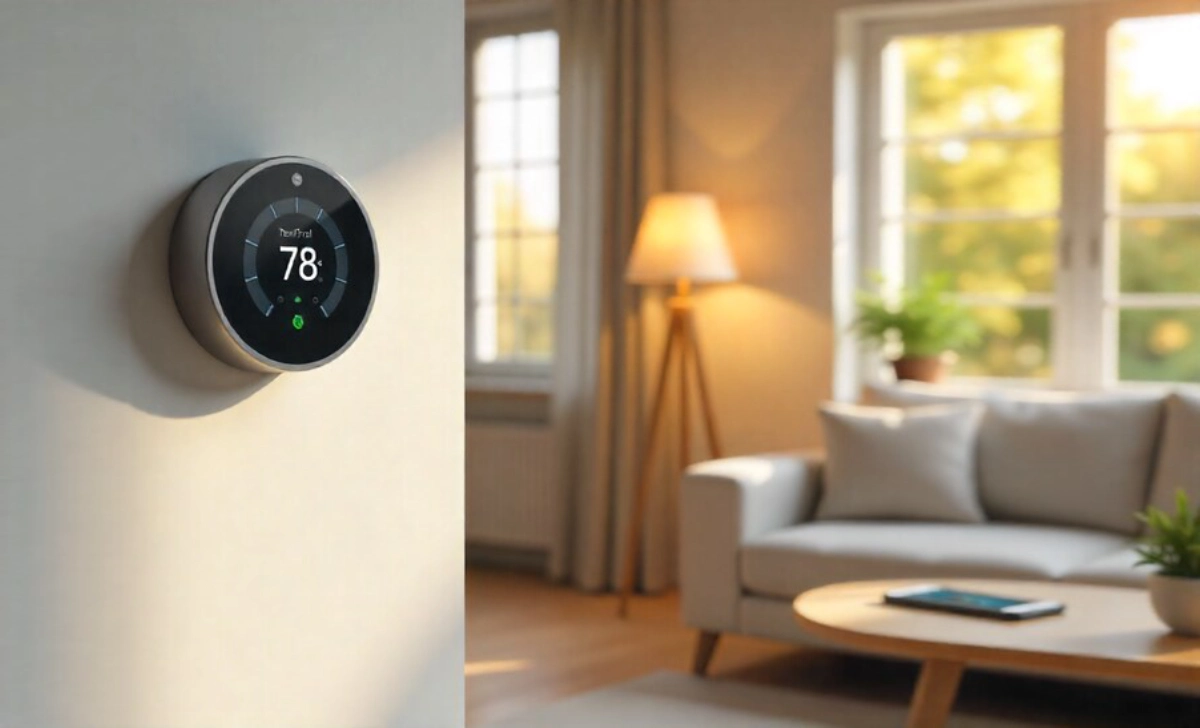
Your heating and cooling system accounts for nearly half of your home’s energy use. A smart thermostat learns your schedule and adjusts temperatures automatically.
These devices cost between $130 and $250. Many utility companies offer rebates that reduce the price by $50 to $100. Check your local provider’s website before you buy.
Here’s what makes them worth it: they learn when you’re home and when you’re away. They lower the heat while you’re at work and warm things up before you return. You wake up to a comfortable home without keeping the system running all night.
Most smart thermostats pay for themselves within two years through energy savings. The typical household saves 10% to 23% on heating and cooling costs. These smart home upgrades genuinely save you money month after month.
Installation takes about 30 minutes if you’re comfortable with basic tools. Many companies also offer professional installation for an extra fee. The setup feels less intimidating than it sounds.
Video Doorbells Give You Peace of Mind
Package theft happens. So do unexpected visitors who ring the bell right when you’ve finally got the baby to sleep.
Video doorbells let you see who’s at your door from anywhere. You’re at work, and a delivery person arrives. You can tell them to leave the package behind the planter. You’re upstairs, and someone rings the bell. You check your phone and realize it’s just a solicitor.
Quality video doorbells range from $100 to $250. Some require a subscription for video storage, which adds $3 to $10 monthly. Others offer free basic features with optional paid upgrades.
Look for clear video quality, night vision, and two-way audio. Motion detection helps too. Your doorbell can alert you when someone approaches, even if they don’t ring the bell.
Battery-powered models work great if you rent or don’t want to deal with wiring. Wired versions never need charging but require a bit more installation work.
Smart Locks End the Lost Key Problem Forever
You’ve locked yourself out. You gave a key to your dog walker but forgot to get it back when they moved away. You’re letting a contractor in but can’t leave work early.
Smart locks solve these headaches. They cost between $150 and $300. You unlock your door with your phone, a code, or even your fingerprint.
Create temporary codes for guests, dog walkers, or house cleaners. Delete them when you no longer need them. Never worry about who has copies of your keys.
Some models work with your existing deadbolt, which keeps installation simple. Others replace the entire lock. Both options work well. It depends on your comfort level with home projects.
The best feature? You can lock your door remotely. You’re halfway to work when doubt creeps in: Did I lock the door? Check your phone. Lock it from your car. Move on with your day.
Smart Plugs Turn Regular Devices Intelligent
Smart plugs cost $15 to $30 each. They’re the most affordable entry point into smart home technology.
Plug one into any outlet. Then plug your lamp, coffee maker, or fan into the smart plug. Now you control that device from your phone.
Set your coffee maker to start brewing before your alarm goes off. Turn off the curling iron you think you left on. Schedule a lamp to turn on at sunset so you never come home to a dark house.
They work with devices you already own. You don’t need to buy new smart appliances. Just add a smart plug, and suddenly your regular fan becomes a smart fan.
Start with two or three. Try them in different rooms. See which ones actually improve your routine. Then add more where they make sense.
Voice Assistants Bring Everything Together
Smart speakers with voice assistants cost between $30 and $100. They become the central hub that controls your other smart devices.
You’re cooking dinner with messy hands. Ask your speaker to set a timer. You’re carrying laundry upstairs. Ask it to turn off the kitchen lights. You’re getting ready for bed. Tell it to lock the doors and lower the thermostat.
These devices also play music, answer questions, and manage shopping lists. They do weather forecasts while you’re getting dressed. They read recipes aloud while you cook.
Choose based on the ecosystem you prefer. Amazon, Google, and Apple all offer quality options. Pick the one that works with your other devices and feels most intuitive to you.
Place speakers in rooms where you spend the most time. Many people start with the kitchen or bedroom. You’ll quickly find yourself using it dozens of times each day.
Skip These Upgrades Until You Need Them
Smart refrigerators, washing machines, and ovens cost thousands of dollars more than regular versions. They’re impressive, but most features don’t justify the price difference.
A smart fridge can show you what’s inside without opening the door. It can suggest recipes based on your ingredients. But your current fridge already keeps food cold. That’s the important part.
Wait until your major appliances need replacing. Then consider smart versions. Don’t replace perfectly good appliances just to add connectivity.
Smart blinds and curtains also fall into this category. They’re convenient, but they cost $200 to $600 per window. The manual versions work fine for most people.
Focus your budget on upgrades that solve real problems in your daily routine. Everything else can wait.
Make Sure Your Devices Work Together
Before you buy anything, think about compatibility. Not all smart devices talk to each other smoothly.
Choose a main ecosystem: Amazon Alexa, Google Assistant, or Apple HomeKit. Then check that your other devices work within that system.
Most products now support multiple platforms. But some work better with certain assistants than others. Read reviews from people who use the same setup you’re planning.
Your home WiFi matters too. Too many connected devices can slow down your network. If you plan to add more than 10 smart devices, consider upgrading your router. Modern mesh WiFi systems handle smart homes better than older single routers.
Start Small and Build Gradually
You don’t need to buy everything at once. Start with one or two upgrades that address your biggest frustrations.
Can’t remember if you locked the door? Start with a smart lock. Tired of high energy bills? Begin with a smart thermostat. Want easier control of your lights? Try a few smart bulbs.
Live with these changes for a month. Notice what improves your daily routine. Then add another device that solves a different problem.
When choosing upgrades, focus on devices that lower your utility bills while adding convenience. The combination of comfort and savings makes these investments worthwhile.
Smart home technology should simplify your life, not complicate it. Take your time. Choose thoughtfully. Build a system that genuinely serves you.