





You send the same email to 5,000 subscribers. Half never open it. Most who do click away in seconds. Your message lands flat because you’re talking to everyone like they’re the same person.
This problem costs you sales every day. Generic content doesn’t convert anymore. Your audience expects messages that speak directly to their needs, timing, and behavior.
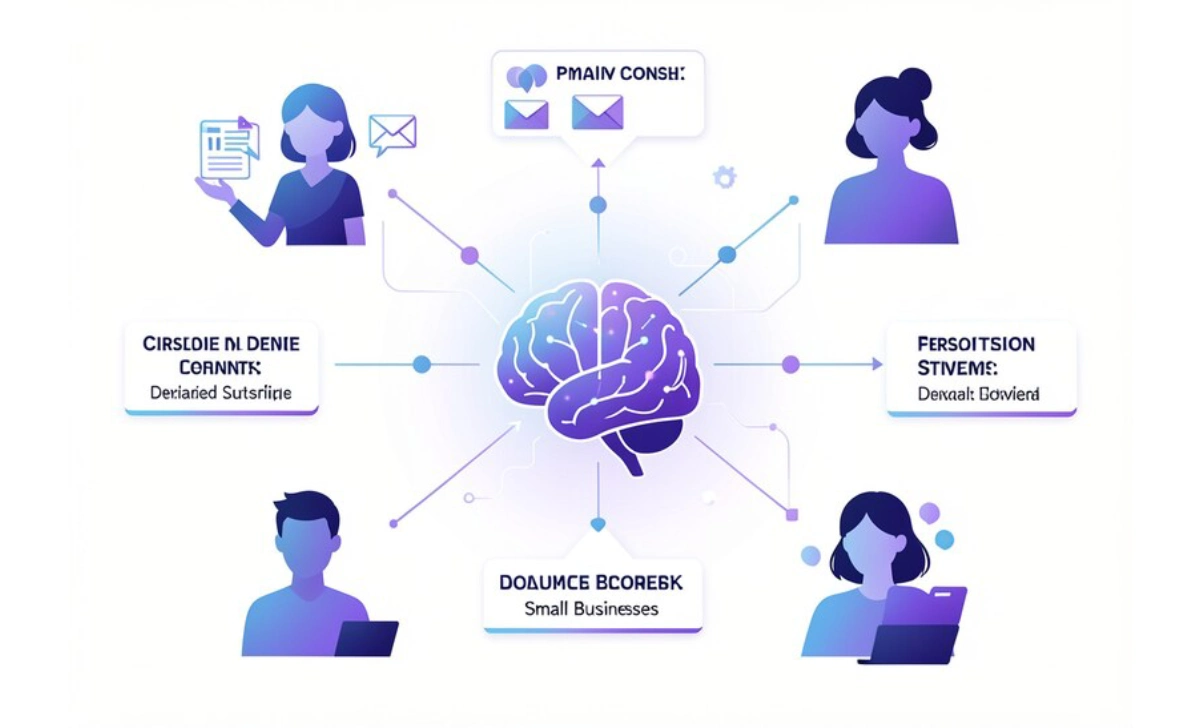
AI content personalization changes this dynamic. The technology analyzes user data and adjusts your messaging in real time. You deliver the right content to the right person at the exact moment they need it.
This guide shows you how to implement AI personalization without a technical background or massive budget. You’ll learn what works in 2026, which tools to start with, and how to see results within two weeks.
What AI Content Personalization Actually Means
AI personalization uses machine learning to adapt your content based on individual user behavior, preferences, and patterns. The system watches how people interact with your website, emails, and social posts. Then it adjusts what they see next.
This differs from basic segmentation. Traditional email marketing groups people by demographics or past purchases. AI goes deeper. It predicts what each person wants before they know it themselves.
Here’s what happens: Someone visits your pricing page twice but doesn’t buy. AI detects this pattern and sends them a case study showing ROI data. Another visitor reads three blog posts about beginner tips. They get a welcome email series designed for newcomers.
The technology runs continuously. Every click, scroll, and time-on-page feeds the system. Your content becomes smarter with each interaction.
Three Core Types You Can Use Today
Dynamic website content changes page elements based on who’s viewing. A return visitor sees different headlines than a first-timer. Product recommendations shift based on browsing history.
Email personalization goes beyond inserting first names. Subject lines, content blocks, and send times adjust per recipient. Open rates typically jump 20-30% when you switch from batch-and-blast to AI timing.
Product recommendations power your “you might like” sections. The AI studies purchase patterns across thousands of customers to predict what each person wants next.
Why Small Businesses Need This Now
Your competitors already use AI personalization. The technology moved from enterprise-only to accessible for solo founders in late 2024. Free tools now handle what cost $50,000 three years ago.
Customer expectations shifted, too. People browse Netflix, Amazon, and Spotify daily. These platforms set the standard. Your audience expects the same personalized experience from your business.
The data proves this matters. Personalized emails generate 6x higher transaction rates than generic ones. Websites with dynamic content see 19% more sales. These numbers come from 2025 studies tracking small business performance.
Time and resources actually decrease when you automate personalization. You create content once, and AI distributes it strategically. You spend less time guessing what to send and more time creating quality material.
Getting Started: Your First Two Weeks
Week one focuses on data collection. You need user behavior information before AI can personalize anything. Install tracking tools on your website and email platform.
Google Analytics 4 tracks website behavior for free. Set up event tracking for key actions: newsletter signups, product views, and download clicks. This takes about 30 minutes if you follow YouTube tutorials specific to your platform.
Connect your email service provider to your website analytics. Most platforms like ConvertKit, MailerLite, or Mailchimp offer native integrations. This allows your email system to see what people do on your site.
Week Two: Implement Basic Personalization
Start with email send time optimization. Tools like Mailchimp (from $13/month) or Constant Contact include AI send time features. The system analyzes when each subscriber typically opens emails and schedules accordingly.
Add dynamic content blocks to your welcome series. Create 3-4 variations of your main message targeting different pain points. The AI shows each new subscriber the version that matches their signup source or behavior.
Set up product recommendations on your website. Shopify includes this for free in its basic plan. WordPress users can install plugins like Beeketing (free tier available) or OptinMonster ($9/month starter plan).
Common Mistake: Starting with too many personalization points. Pick one channel (email or website) and nail it before expanding. Trying everything simultaneously leads to scattered data and poor results.
Choosing Your AI Personalization Tools
Free options work well for businesses under 2,000 subscribers or 5,000 monthly website visitors. These tools include basic AI features without monthly costs.
Mailchimp’s free tier supports up to 500 contacts and includes send time optimization. You get basic audience segmentation and simple automation triggers.
HubSpot free CRM offers personalization tokens and basic lead scoring. You can track website behavior and trigger emails based on page visits. The free version handles most small business needs for 12-18 months.
Google Optimize (free) lets you run A/B tests and show different website content to different visitors. Pair this with Analytics 4 for behavior-based personalization.
When to Upgrade to Paid Tools
Move to paid platforms when you hit these markers:
- More than 2,000 email subscribers
- 10,000+ monthly website visitors
- Need advanced behavioral triggers
- Want predictive lead scoring
- Require multi-channel coordination
ActiveCampaign ($29/month for 1,000 contacts) offers sophisticated automation and predictive sending. Their AI analyzes your entire database to suggest optimal content timing and format.
Dynamic Yield (custom pricing, typically $1,000+/month) handles enterprise-level personalization across email, web, mobile, and ads. Only consider this when you’re processing $50,000+ monthly revenue.
Creating Content AI Can Personalize
Write modular content pieces that work in multiple contexts. Each section stands alone but connects to others logically.
Break your blog posts into clear sections with descriptive H2 and H3 headers. AI tools scan these headers to match content with user interests. A 1,500-word post should have 4-6 distinct sections covering different angles of your topic.
Example: Your post about productivity apps includes sections on time tracking, project management, note-taking, and automation. AI shows the time tracking section to visitors who read your time management content. Project managers see the collaboration tools section first.
Build an email content library with 10-15 core messages. Write each in three variations:
- Beginner-focused (explains basics, uses simple language)
- Intermediate (assumes some knowledge, focuses on optimization)
- Advanced (technical details, complex strategies)
AI selects the appropriate version based on user behavior signals like which blog posts they read or how long they’ve been subscribed.
Data You Need to Collect
Track these user behaviors to feed your AI system:
- Pages visited and time spent on each
- Email opens and click patterns
- Product views and cart additions
- Content downloads and form submissions
- Search terms used on your site
Most analytics platforms collect this automatically once you enable tracking. Review your data weekly for the first month to ensure accuracy.
Pro Tip: Create custom events in Google Analytics for your most important user actions. This gives AI clearer signals about user intent. Takes 15 minutes to set up five custom events.
Measuring What Actually Works
Track these metrics weekly for the first 90 days:
Email performance: Compare open rates, click-through rates, and conversion rates between personalized and generic sends. You should see 15-25% improvement in engaged subscribers within 30 days.
Website engagement: Monitor time on site, pages per session, and bounce rate. Personalized content typically increases time on site by 20-40%.
Revenue per visitor: Calculate total revenue divided by unique visitors. This number should climb as personalization improves relevance.
Set realistic benchmarks based on your current performance. If you average 18% email open rates, target 22-24% after implementing AI send times. Don’t expect 50% overnight.
Common Mistakes That Kill Results
Over-personalization creeps people out. Don’t reference specific browsing behavior in email copy (“I see you looked at our blue widget”). Instead, show relevant content without explicitly mentioning how you know what they want.
Insufficient data leads to poor predictions. AI needs at least 1,000 data points per segment to personalize accurately. Wait until you have enough user behavior data before launching complex personalization.
Ignoring privacy concerns damages trust. Always include clear opt-out options. Tell people you use their behavior to improve their experience. Never sell or share personalization data.
A set-it-and-forget-it attitude wastes potential. Review your AI personalization performance monthly. The system learns continuously, but you need to feed it new content variations and adjust parameters.
Advanced Strategies for 2026
Predictive content delivery analyzes user patterns to anticipate needs. Your AI notices a customer buys running shoes every six months. It sends relevant content and offers at the five-month mark.
Cross-channel personalization connects your email, website, social ads, and SMS messaging. Someone abandons their cart, and your AI coordinates a three-touch sequence: email reminder, retargeting ad, SMS offer. Each message builds on the previous interaction.
Behavioral triggers activate based on micro-actions. A visitor reads your About page, then checks your services, then views your contact page. This pattern signals high purchase intent. AI immediately sends a consultation booking email.
Voice of customer integration pulls phrases from reviews, support tickets, and feedback forms. Your AI uses this language in personalized messages, making content feel more authentic and relevant.
Budget Allocation for Maximum Impact
Spend your first $100-200 on:
- Email service with AI features ($13-29/month)
- Basic heat mapping tool to understand user behavior ($32/month for Hotjar starter)
- One quarter of a premium tool trial to test advanced features (free)
This budget works for businesses making $2,000-10,000 monthly revenue. Scale spending as you prove ROI.
Expect 90-120 days before seeing a significant revenue impact. The AI needs time to collect behavior data and optimize delivery. Some businesses see lifts within 30 days, but three months provides more reliable patterns.
Your Next Steps This Week
Pick one personalization tactic to implement within 48 hours. Email send time optimization gives you the fastest, easiest wins. Enable this feature in your current email platform today.
Install behavior tracking on your website if you haven’t already. You can’t personalize what you don’t measure. Dedicate one hour to setting up Google Analytics 4 events for your key user actions.
Create three content variations for your most popular email or landing page. Write versions targeting different experience levels or pain points. This gives your AI something to test and optimize.
AI content personalization stops being science fiction when you start small and build systematically. Your marketing becomes more relevant with each interaction. You waste less effort on messages people ignore and invest more in content that converts. The technology works for businesses at every stage. You just need to start.