




You just checked your analytics. Traffic is up, but sales are flat. Visitors are clicking in, looking around, and leaving without buying. You’re wondering what’s missing.
The problem isn’t your offer. It’s that every visitor sees the same thing. A first-time browser gets the same homepage as a returning customer. Someone from your email list sees the same product recommendations as a cold visitor from Google.
This article shows you how AI-powered personalization fixes that problem. You’ll learn practical ways to show each visitor content that matches their interests, behavior, and stage in your buying process. No developer needed. No massive budget required.
You won’t turn into Amazon overnight. But you can start converting more of the traffic you already have.
What AI-Powered Personalization Actually Means for Small Businesses
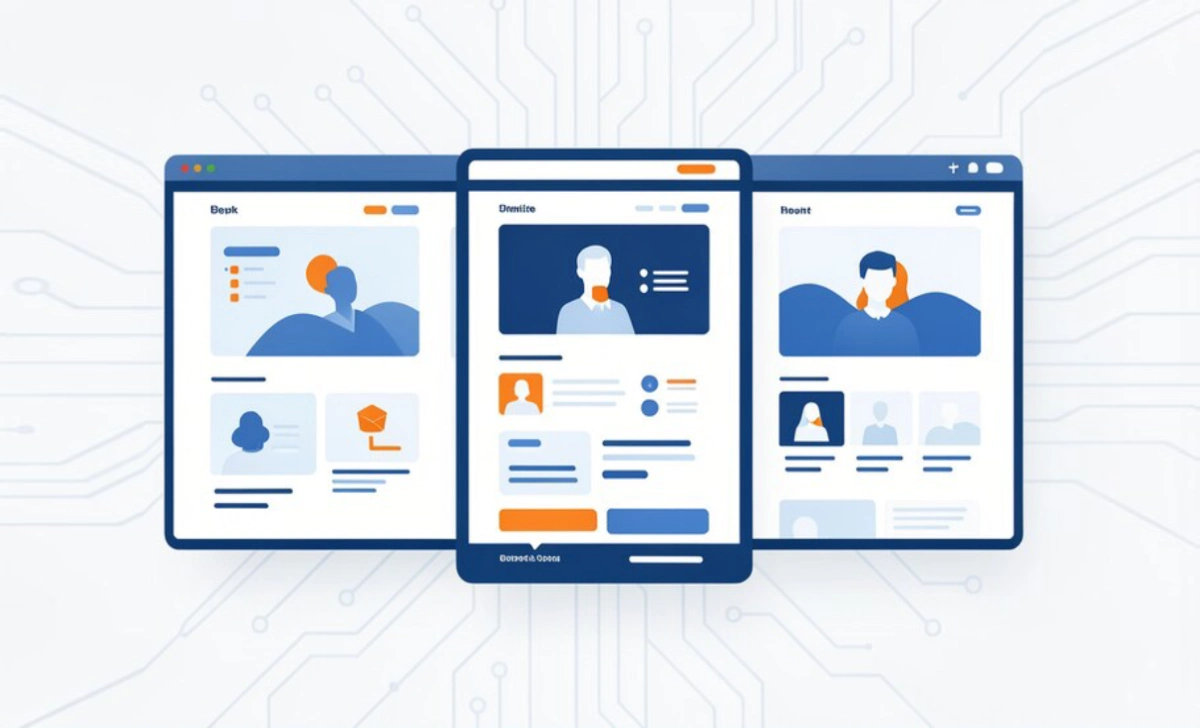
AI-powered personalization uses software to automatically adjust what each visitor sees based on their behavior, location, device, and past interactions with your site.
Traditional personalization required manual work. You’d create separate landing pages for each audience segment. You’d write different email sequences for different groups. It took hours and constant updates.
AI does this automatically. The software watches how people interact with your site. It learns patterns. Then it shows each person the version most likely to get them to take action.
A visitor who clicked three blog posts about email marketing sees an email tool offer. Someone who browsed pricing twice but didn’t buy sees a limited-time discount. A mobile user from Texas sees local shipping details up front.
The technology sounds complex, but modern tools handle the heavy lifting. You set basic rules and goals. The AI refines and improves results over time.
Why This Matters More in 2026 Than Ever Before
Customers expect relevant experiences now. They’ve been trained by Netflix, Spotify, and online stores that remember their preferences.
When your site treats everyone the same, it feels generic. Visitors assume you don’t understand what they need. They leave faster.
Recent data shows personalized experiences increase conversion rates by 10% to 30% for small sites. That’s not hype. That’s showing people what they actually want to see instead of making them hunt for it.
Your competitors are already doing this. Tools that cost thousands per month three years ago now start at $50 or less. Some offer free plans for smaller sites.
You’re not competing with big brands anymore. You’re competing with other small businesses that make smarter use of the same tools you can access.
Three Quick Wins You Can Implement This Week
Start with changes that take under an hour to set up and show results within days.
Show Different Homepage Content Based on Traffic Source
Visitors from Google, email, and social media have different mindsets. Google searchers want specific information. Email subscribers already know you. Social traffic is exploratory.
Use a tool like Unbounce, Instapage, or even WordPress plugins to show different hero sections based on where someone came from. Your email subscribers see “Welcome back” with account access. Google searchers see your core value proposition with a clear call to action.
This takes 20 minutes to set up. Most platforms include simple if/then rules. No coding required.
Personalize Email Sequences Based on Browse Behavior
If someone visited your pricing page but didn’t buy, they’re closer to a decision than someone who only read a blog post.
Most email platforms now include behavior triggers. Mailchimp, ConvertKit, and ActiveCampaign all offer this on their basic plans.
Set up three simple sequences:
- Blog readers get educational content for two weeks
- Pricing page visitors get case studies and testimonials
- Cart abandoners get a reminder within 24 hours
Each sequence speaks to where that person actually is in their decision process. You’re not guessing. You’re responding to what they already showed you.
Add Location-Based Elements to Your Site
Someone in New York cares about different details than someone in Austin. Show local shipping times, regional case studies, or nearby events.
Tools like Proof, OptinMonster, or Geo Targetly let you display different content blocks based on visitor location. The free versions handle basic city or state targeting.
A fitness coach might show “Join 200+ Los Angeles clients” to LA visitors and “Online sessions available nationwide” to everyone else. Same offer, different frame.
How to Choose the Right AI Personalization Tool
You don’t need enterprise software. You need something that works with your current setup and doesn’t require a developer.
Look for these features first:
- Works with your website platform (WordPress, Shopify, Wix, etc.)
- Includes pre-built templates or rules
- Offers a free trial or money-back guarantee
- Provides clear reporting on what’s working
Popular options for small businesses include:
- Dynamic Yield (starts at $50/month, works with most platforms)
- Optimizely (free plan available, good for A/B testing and personalization)
- RightMessage (starts at $99/month, great for content sites)
- Barilliance (focused on e-commerce, free plan for small stores)
Start with one tool and one use case. Get that working before you add more complexity.
As highlighted in recent research on AI content personalization, businesses see measurable improvements when they start small and expand based on real results.
Common Mistake: Buying expensive software before you know what you want to personalize. Test your hypothesis with free tools first. Upgrade when you hit their limits.
Setting Up Your First Personalization Campaign
Pick one page that gets decent traffic but low conversions. Your homepage, a key landing page, or your pricing page works well.
Identify two clear visitor segments. Don’t overthink this. Start simple:
- New visitors vs. returning visitors
- Email subscribers vs. non-subscribers
- Traffic from ads vs. organic search
Create two versions of your main headline and call to action. Keep everything else the same for now.
New visitors might see: “See how [your product] helps small businesses save 5 hours per week.”
Returning visitors see: “Ready to get started? Your account is waiting.”
Set this up in your chosen tool. Most have visual editors. You click the element you want to change and type the new version.
Run this for two weeks. Check your analytics. Which version converted better for each group?
Pro Tip: Time this matters. Set up new campaigns on Tuesday or Wednesday. Avoid Mondays (people are catching up) and Fridays (weekend traffic behaves differently). You want clean data.
Tracking Results Without Getting Lost in Data
You need three numbers:
- Overall conversion rate before personalization
- Conversion rate for each segment after personalization
- Revenue or signup difference
Don’t track 15 metrics. Track what matters: did more people do the thing you wanted them to do?
Most AI personalization tools include basic analytics. Google Analytics works too if you set up goals properly.
Check results weekly for the first month. After that, monthly reviews work fine unless you’re running active tests.
Watch for patterns:
- Which personalized messages perform best?
- Which segments respond most strongly?
- Which pages show the biggest lift?
Double down on what works. Drop what doesn’t move the needle after 30 days.
Common Mistake: Changing everything at once. You won’t know what actually made the difference. Test one thing at a time.
Scaling Personalization as You Grow
Once you’ve proven that personalization works, expand systematically.
Add personalization to your three highest-traffic pages first. Then move to email sequences. Then to product recommendations if you sell multiple items.
Each addition should take 30 to 60 minutes to set up. If it takes longer, you’re overcomplicating it.
As your email list grows, add more segments:
- Purchase history (what they bought before)
- Engagement level (opens and clicks)
- Product interest (which category they browse most)
Your AI tool will start recognizing patterns you might miss. Someone who visits on mobile during lunch hours behaves differently than desktop evening browsers. The software catches these patterns and adjusts automatically.
You’re building a system that gets smarter over time without requiring more of your time.
Moving Forward With Confidence
AI-powered personalization isn’t about complex technology. It’s about showing each visitor something relevant to them instead of making everyone see the same generic message.
You don’t need to personalize everything this month. Pick one page, one audience split, and one variation. Get that working. Learn from the results. Then expand.
Start this week with a simple test. Choose your homepage or your best landing page. Split traffic between new and returning visitors. Write two different headlines. Set it up in a free tool. Check results in two weeks.
You’re already getting traffic. Now make that traffic work harder for you.