





You’ve probably noticed your energy bills creeping higher each month. Or maybe you’re tired of wondering if you remembered to turn off the lights before leaving home. You want your home to work better for you, but the idea of expensive smart home technology feels out of reach.
Here’s the truth: smart home upgrades don’t have to drain your savings. Some of the most effective changes cost less than a dinner out, and they start paying for themselves almost immediately. You can make your home more comfortable, secure, and efficient without waiting until you can afford a complete renovation.
Let’s look at practical upgrades that actually fit your budget and make a real difference in your daily life.
Start with Your Lighting
Smart bulbs are one of the easiest ways to dip your toes into home automation. You can find quality LED smart bulbs for $10 to $15 each. They screw into your existing fixtures, so there’s no complicated installation.
These bulbs let you control lights from your phone, set schedules, and adjust brightness. If you forget to turn off the bedroom light before work, you can switch it off from your car. Set your porch light to turn on automatically at sunset so you never come home to a dark house.
The real savings come from the LED technology itself. A smart LED bulb uses about 75% less energy than a traditional incandescent bulb and lasts 25 times longer. If you replace just five frequently used bulbs in your home, you could save around $75 per year on electricity.
Start with the rooms you use most. Your living room, bedroom, and kitchen make the biggest impact on both convenience and energy savings.
Smart Plugs Make Everything Smarter
Smart plugs cost between $8 and $25 each, and they transform any regular appliance into a smart device. Plug one into your outlet, then plug your lamp, coffee maker, or fan into the smart plug. Now you control it through an app or voice assistant.
Here’s where the savings add up. Many devices draw power even when they’re turned off. Your TV, gaming console, and phone chargers continue to use electricity in standby mode. Smart plugs let you cut power completely to these devices when you’re not using them.
Try this: plug your coffee maker into a smart plug and schedule it to turn on five minutes before your alarm goes off. You’ll wake up to fresh coffee without leaving the machine running all night. Use another smart plug for your space heater or window AC unit. Set it to turn off automatically after two hours so you’re not cooling or heating an empty room.
You can also create routines. When you say “goodnight” to your voice assistant, all your smart plugs can turn off at once. No more walking through the house checking every room.
A Smart Thermostat Pays for Itself
This upgrade costs more upfront, usually between $120 and $250. But it’s one of the few home improvements that genuinely saves you more than it costs.
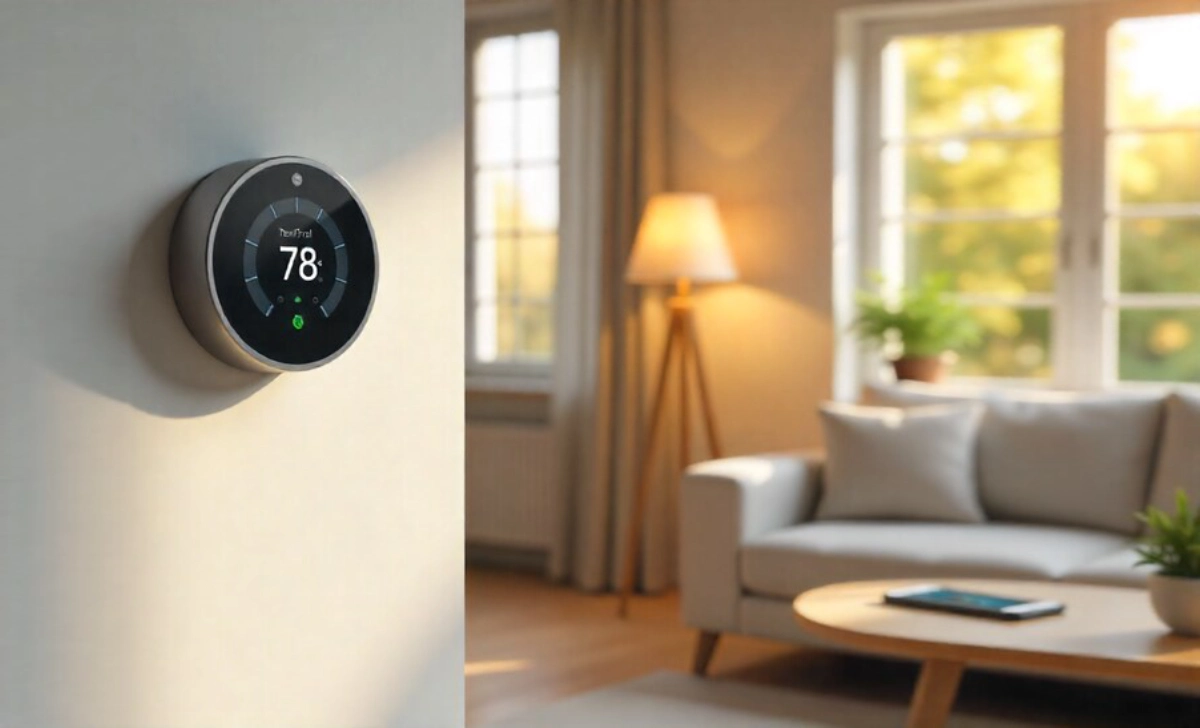
A smart thermostat learns your schedule and adjusts heating and cooling automatically. It knows when you’re away at work and reduces energy use during those hours. Many models show you exactly how much energy you’re using and suggest ways to save more.
The average household saves 10% to 23% on heating and cooling costs with a smart thermostat. For a home spending $1,500 per year on climate control, that’s $150 to $345 in annual savings. Your thermostat could pay for itself within the first year.
Most smart thermostats guide you through installation step by step. If you can use a screwdriver and follow instructions, you can probably install it yourself. Some utility companies even offer rebates that reduce your initial cost by $50 to $100.
Look for models that work with your existing heating and cooling system. Learning how to choose smart home upgrades that truly save you money starts with understanding your biggest energy expenses.
Smart Smoke and Carbon Monoxide Detectors
Safety upgrades matter just as much as savings. Smart detectors cost between $100 and $120 each, but they offer features that standard detectors can’t match.
When a smart detector senses smoke or carbon monoxide, it sends an alert to your phone immediately. If you’re at work or on vacation, you know about the problem right away. You can call a neighbor to check on your home or contact emergency services faster.
These detectors also tell you exactly which room triggered the alarm. Instead of a piercing beep echoing through your house, you get a voice alert: “Smoke detected in the kitchen.” This clarity helps you respond more effectively.
Many models include a self-test feature that checks the sensors monthly and alerts you when batteries run low. You’ll never wake up to that annoying low-battery chirp at 3 a.m. again.
Replace your oldest detectors first, especially those more than ten years old. Smoke detector sensors degrade over time, so this upgrade improves both your safety and your peace of mind.
Video Doorbells Without the High Price
You don’t need a $200 video doorbell to see who’s at your door. Quality models start around $50 to $100 and offer motion detection, two-way audio, and smartphone alerts.
A video doorbell lets you answer the door from anywhere. When someone rings, you see them on your phone and can talk to them even if you’re in the backyard or at the grocery store. This feature is especially helpful if you work from home and don’t want to interrupt a video call for every delivery.
The motion detection alerts you when someone approaches your door, even if they don’t ring the bell. You’ll know if a package arrives or if someone’s lingering on your porch. Many people find that this feature alone reduces their worry about home security.
Installation is straightforward. Most video doorbells either replace your existing doorbell or mount beside your door with adhesive strips. Battery-powered models require no wiring at all.
Choose a doorbell with cloud storage options that fit your budget. Some brands offer free basic plans that save video clips for a few days. This gives you enough time to review footage if something happens.
Smart Power Strips Manage Multiple Devices
A smart power strip costs between $25 and $50 and handles several devices at once. Unlike regular power strips, these let you control each outlet individually.
This setup works perfectly for entertainment centers. Plug your TV, gaming console, soundbar, and streaming device into one smart power strip. When you’re not using them, turn off the entire strip with one tap. This stops phantom power drain from all those devices simultaneously.
Some smart power strips include built-in USB ports for charging phones and tablets. You can schedule these ports to stop providing power after your devices reach full charge. This protects your battery life and reduces unnecessary electricity use.
Look for models with energy monitoring. These show you how much power each device uses, helping you identify which appliances cost the most to run. You might discover that an old appliance uses far more energy than you realized.
Smart Home Security on Any Budget
Basic smart security cameras start around $30 to $50. These cameras connect to your WiFi and send video to your phone. You can check on your home, pets, or kids anytime you want.
Indoor cameras work well for monitoring specific rooms. Place one in your living room to keep an eye on pets while you’re at work. Put another in the playroom so you can check on the kids from the kitchen.
Outdoor cameras help you monitor your yard, driveway, or garage. Look for weather-resistant models with night vision. Motion detection sends alerts when someone enters the camera’s view.
You don’t need professional installation or monthly monitoring fees. Most affordable cameras work perfectly as standalone devices. If you want to save video footage, some brands offer cloud storage for $3 to $10 per month.
Start with one or two cameras in your most important areas. You can always add more later as your budget allows.
Voice Assistants Make Everything Easier
Smart speakers with voice assistants cost between $25 and $100. These devices control all your other smart home upgrades through simple voice commands.
Say “turn off the living room lights” instead of finding your phone and opening an app. Ask “What’s the temperature in the house?” to check your thermostat. Tell your assistant to “show me the front door,” and your video doorbell feed appears on your smart display.
Voice control becomes especially valuable when your hands are full. You’re carrying groceries, cooking dinner, or holding a baby. Just speak, and your home responds.
These speakers also handle everyday tasks that save you time. Set timers, add items to shopping lists, play music, check the weather, and get answers to quick questions. The convenience adds up throughout your day.
Choose an assistant that works with your other devices. Check compatibility before buying to make sure everything connects smoothly.
Small Changes Add Up to Big Savings
You don’t need to upgrade everything at once. Start with one or two changes that address your biggest concerns. Maybe your energy bills bother you most, so you begin with smart bulbs and a thermostat. Or perhaps security matters more, so you choose a video doorbell and camera first.
Each upgrade makes your home a little more responsive to your needs. Your house begins to anticipate what you want instead of requiring constant attention. Lights turn on as the sun sets. Your thermostat adjusts before you feel uncomfortable. You receive alerts about what matters instead of worrying all day.
Take your time and choose upgrades that genuinely improve your daily life. Smart home technology should make things easier, not more complicated. The key is knowing how to make smart home upgrades pay for themselves through strategic choices that match your needs.
Take your time and choose upgrades that genuinely improve your daily life. Smart home technology should make things easier, not more complicated. Focus on solving real problems you face rather than buying gadgets because they seem interesting.
Your home can work better for you starting today. Pick one affordable upgrade this week and see how it changes your routine. You might be surprised how much difference a small change makes.