



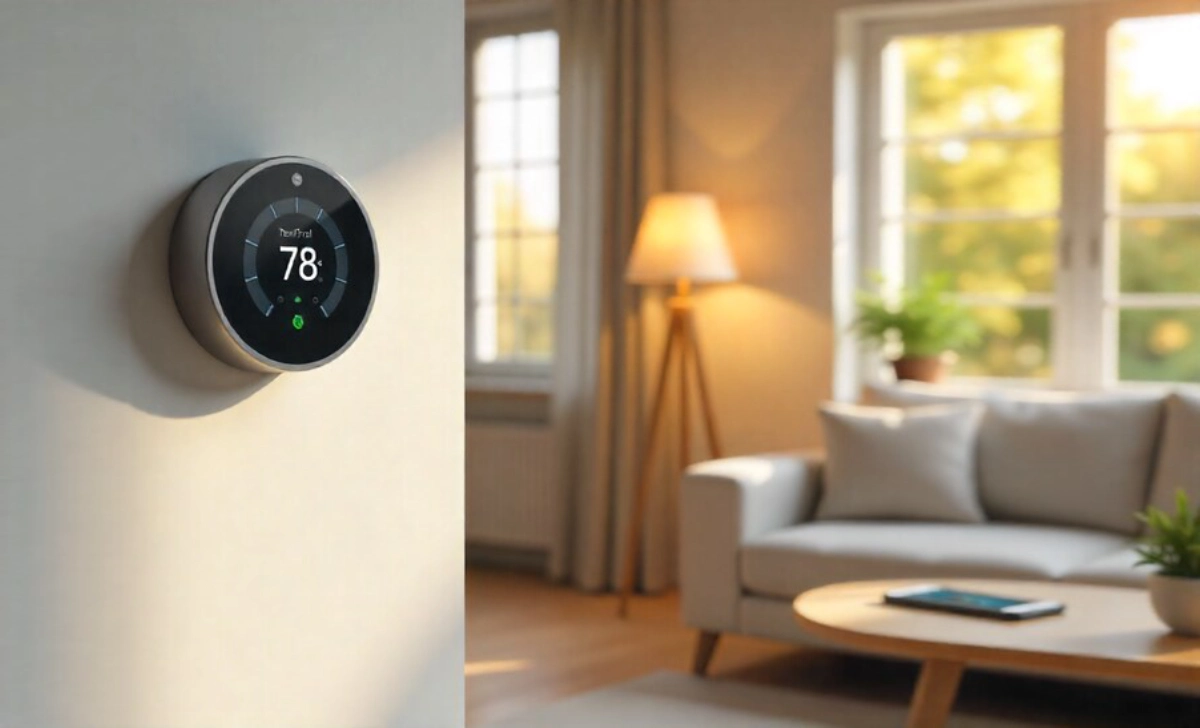


You walk through your front door after a long day, and the lights adjust to a soft glow. The thermostat has already set the temperature just right. Your favorite music starts playing in the background. This isn’t science fiction—it’s what smart home upgrades can do for your daily life.
Many people think these upgrades are expensive luxuries or complicated tech projects. The truth? Some of the most valuable smart home upgrades are affordable, easy to install, and genuinely improve how you live. They save you money, give you back time, and make your home work for you instead of the other way around.
Let’s explore the smart home upgrades that actually deliver value—the ones that pay for themselves and make your daily routine smoother.
Start Where You’ll Notice the Difference
The best way to approach smart home upgrades is to think about your daily frustrations. What small annoyances drain your energy? Where do you waste time or money without realizing it?
Maybe you forgot to turn off the lights when you left home. Perhaps you worry about whether you locked the door. You might be paying too much for heating and cooling because your old thermostat can’t adjust throughout the day.
These problems are where smart upgrades shine. You don’t need to automate everything at once. Pick one area that genuinely bothers you and start there.
Smart Thermostats: The Upgrade That Pays You Back
A smart thermostat learns your schedule and adjusts temperatures automatically. You program it once, and it handles the rest.
Most people save 10-15% on heating and cooling costs within the first year. If your energy bills run $150 monthly, that’s about $200 saved annually. The thermostat typically costs between $120-250, which means it pays for itself in the first year or two.
Beyond the money, think about the convenience. You’re at work and realize you left the heat on high. Adjust it from your phone. Coming home early? Warm up the house before you arrive. No more walking into a freezing home or wasting energy heating an empty house all day. These types of smart home upgrades save money through both reduced consumption and better energy management.
Installation takes about 30 minutes for most people. If you can follow directions and use a screwdriver, you can probably do it yourself. Otherwise, an electrician charges around $100-150 for installation.
Choosing the Right One for You
Look for models compatible with your existing system. Most work with standard heating and cooling setups, but check before buying. Read reviews from actual homeowners, not just tech enthusiasts. You want something reliable that your whole family can use easily.
Smart Lighting: Small Changes, Big Impact
Smart bulbs seem trivial until you use them for a week. Then you wonder how you lived without them.
The basic benefit is control from anywhere. Forgot to turn off the bedroom light? Do it from your phone. Want to make it look like someone’s home while you’re away? Schedule lights to turn on and off automatically.
But the real value shows up in subtler ways. You can dim the lights for movie nights without getting up. Set them to gradually brighten in the morning instead of jarring yourself awake with an alarm. Create different lighting “scenes” for different activities—bright white for cleaning, warm amber for relaxing evenings.
Smart bulbs use LED technology, so they last years longer than traditional bulbs and use about 75% less energy. A four-pack usually costs $30-50. Start with the rooms you use most—the living room, bedroom, and kitchen.
You don’t need fancy switches or rewiring. Screw in the bulb, download the app, and connect. Done.
Beyond Basic Bulbs
Smart light strips work beautifully under kitchen cabinets or behind TVs. They add ambiance and practical task lighting. Motion-sensing lights in hallways or closets mean you never fumble in the dark or leave lights on accidentally.
Smart Locks: Security Meets Convenience
Digging through your bag for keys while holding groceries is frustrating. So is wondering whether you locked the door after leaving home.
Smart locks solve both problems. Most let you unlock with a code, your phone, or even your fingerprint. No more hiding spare keys under the doormat or calling a locksmith when you’re locked out.
You can create temporary codes for house guests, dog walkers, or repair people—then delete them when no longer needed. Get notifications when someone enters. Check lock status from anywhere and lock the door remotely if you forgot.
Good smart locks cost $150-300. Professional installation adds another $100-200 if you’re not comfortable with basic tools. The peace of mind alone makes this worthwhile for many families.
Security Without Paranoia
Smart locks aren’t about living in fear. They’re about removing that nagging “did I lock the door?” worry that disrupts your day. They’re about giving your teenage kids a code instead of a key they might lose. They’re about unlocking the door for a delivery person when you’re upstairs with a sick toddler.
Smart Plugs: The Gateway Upgrade
Smart plugs cost $10-25 each and transform regular devices into smart ones. Plug a lamp into one, and you control it from your phone. Plug in a coffee maker, and schedule it to start brewing before you wake up.
They’re perfect for testing whether you’ll actually use smart home features. Buy two or three and experiment. Control fans in summer, space heaters in winter, or holiday lights in December.
Many smart plugs track energy usage, showing you which devices consume the most power. That old dehumidifier in the basement might be costing more than you think.
This is where you start if you’re unsure about smart home upgrades. The investment is minimal, installation is literally plugging something in, and you’ll quickly learn what works for your lifestyle.
Smart Speakers: The Control Center
Smart speakers get dismissed as toys, but they become the hub that ties everything together. Ask yours to turn off all the lights, lock the door, and adjust the temperature—all with one sentence while you’re getting into bed.
Beyond smart home control, they handle daily tasks. Set timers while cooking. Add items to your shopping list hands-free. Get weather updates while getting dressed. Play music, podcasts, or audiobooks in any room.
Basic models cost $30-50. You don’t need the expensive versions unless you’re an audiophile. The mid-range options work perfectly for most homes.
Place them where you naturally are—kitchen counter, bedside table, home office desk. You’ll use them most when they’re convenient to wherever you spend time.
Video Doorbells: See Who’s There
Video doorbells answer the “who’s at my door?” question without requiring you to get up, look through a peephole, or open the door to strangers.
See delivery people dropping off packages. Check on visitors before answering. Monitor your front porch when you’re away. Many models record video, so you have footage if packages go missing or problems occur.
Prices range from $100-250 for quality options. Some require existing doorbell wiring; others run on batteries you recharge every few months. Choose based on your home’s setup and your patience for maintenance.
Installation difficulty varies. Battery-powered models just mount to your door frame with screws. Wired versions might need an electrician if your home lacks existing doorbell wiring.
Real Protection, Real Convenience
This isn’t about spying on neighbors. Video doorbells protect your packages, let you screen visitors when you’re busy, and give you eyes on your front door when you’re away. Parents love being able to see when kids get home from school.
What Not to Buy (Yet)
Smart home technology moves fast. Some upgrades genuinely improve daily life. Others are solutions searching for problems.
Smart refrigerators that cost thousands more than regular ones? Skip them. Cameras inside your fridge so you can see what you’re out of? Your brain remembers milk better than that camera feed you’ll never check.
Smart ovens that you preheat from your phone? Most people don’t need this. You’re usually home when cooking anyway.
Whole-home automation systems that require professional programming? Save these for later, if ever. Start simple and expand only if you actually use what you have.
Focus on upgrades that solve real problems in your life, not impressive features you’ll rarely use.
Making It All Work Together
Once you have a few smart devices, you’ll want them to cooperate. This is where “routines” or “scenes” come in.
Create a “Good Morning” routine: lights gradually brighten, thermostat adjusts, coffee maker starts, and your speaker shares the weather forecast. One command triggers everything.
Set up a “Leaving Home” routine: all lights turn off, thermostat adjusts to save energy, and doors lock automatically. Tap one button as you leave.
Build a “Movie Night” scene: living room lights dim, TV turns on, and other lights turn off. No more getting up to flip switches.
Most smart home apps make this simple. You’re basically saying “when I do this, make these things happen.” No coding required.
The Money Conversation
Smart home upgrades represent an investment. Some pay for themselves through energy savings. Others provide value through convenience and peace of mind.
Budget-friendly approach: Start with smart plugs ($30 for two), add a few smart bulbs ($40), and grab a smart speaker on sale ($30-40). You’re in for about $100 and can control lights, schedule devices, and experience smart home life.
Mid-range approach: Add a smart thermostat ($200 with installation), smart lock ($300 with installation), and expand your lighting ($100). Total investment around $700-800. You’ll see energy savings and genuine daily convenience.
All-in approach: Everything above plus video doorbell ($200), smart garage door opener ($150), and additional sensors or switches ($200). Budget $1,500-2,000. Your home becomes significantly smarter, with most systems integrated.
Most families start small and expand over time. Buy one thing, use it for a month, then decide what to add next. You don’t need everything at once. Learning how to make smart home upgrades pay for themselves means choosing devices that match your actual usage patterns and needs.
Installation Reality Check
Companies advertise “easy installation,” and mostly they’re right. Smart bulbs screw in like regular bulbs. Smart plugs just plug in. Smart speakers need power and WiFi.
Smart thermostats, locks, and doorbells require more effort. You’ll need basic tools and patience to follow instructions. Plenty of people do these themselves successfully. If you’re not comfortable, hire help. The installation cost is one-time, but a botched DIY job creates ongoing frustration.
YouTube tutorials cover virtually every device and home configuration. Watch several before starting. Read the manual completely before touching tools. Take your time.
Or pay a professional and enjoy peace of mind. Many electricians and handypeople now specialize in smart home installations. Budget $100-200 per device for installation help. The process becomes easier and cheaper when you understand which devices you can handle yourself and which warrant professional help.
Living with Smart Home Upgrades
After a few weeks, smart home upgrades fade into the background. You stop thinking about them as technology and just experience the benefits.
You arrive home to a well-lit house. You leave without worrying whether you locked up. Your energy bills shrink slightly each month. Small frustrations disappear.
The goal isn’t to automate everything or impress visitors with your tech setup. The goal is to make your home more comfortable, efficient, and responsive to your needs.
Start with one upgrade that solves a real problem in your life. Use it. Decide whether it genuinely helps. Then expand if it makes sense.
Your home should support how you live, not complicate it. Smart home upgrades done right do exactly that—they quietly make daily life a bit easier, one small improvement at a time.