





Let me be honest with you.
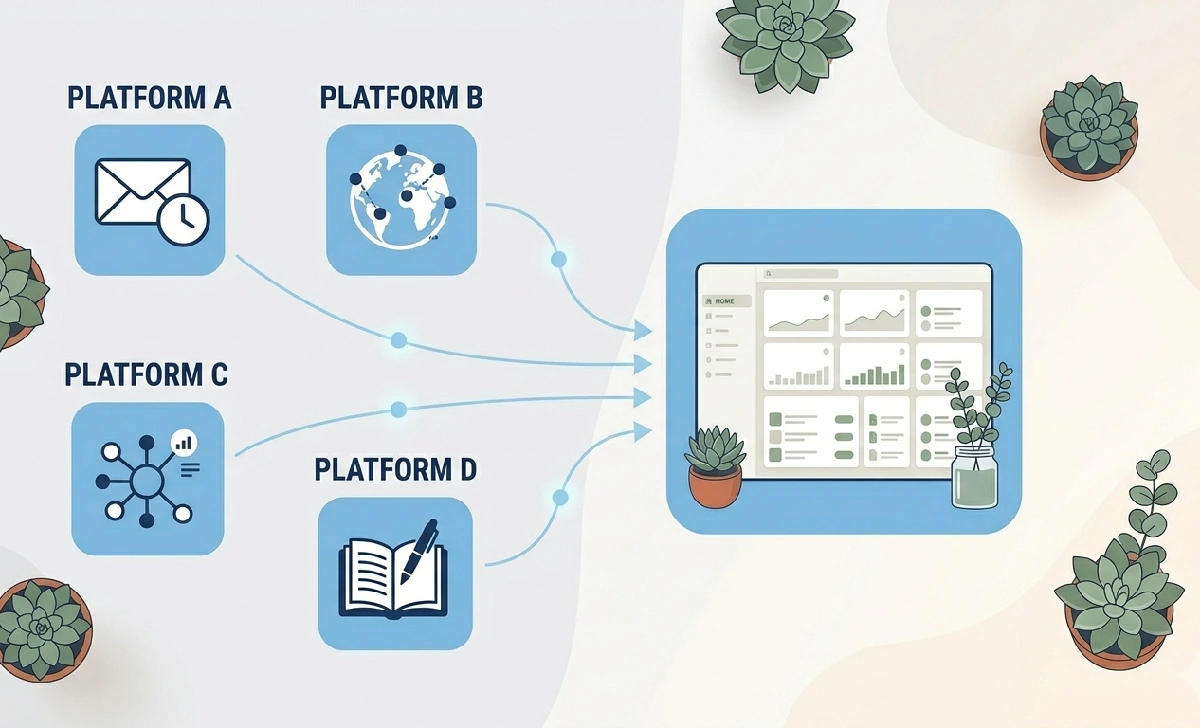
I’ve tried the “best app for every job” approach. One app for tasks. Another for messaging. A calendar that refuses to talk to either. And a file system scattered across three different clouds.
At some point, you stop feeling productive. You just feel tired.
That’s why I started looking into Runlia — an all-in-one platform that’s been quietly showing up in conversations about simplifying digital work. Not as hype, but as something people are actually using. After spending time inside it and doing some real digging, here’s my honest take.
What Is Runlia, Really?
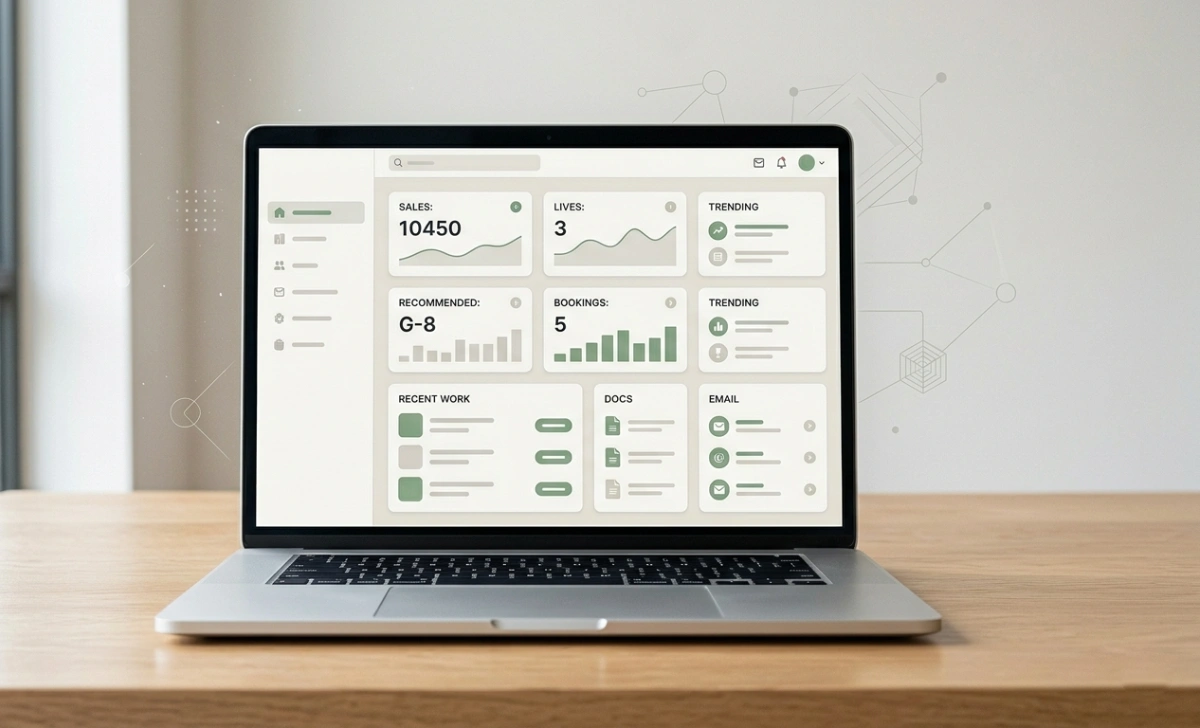
At its core, Runlia is a digital workspace that pulls your tasks, messages, calendar, files, and notes into one place. Instead of five apps having a bad conversation through plugins, everything here is built to work together from the start.
Think of your messiest kitchen drawer — scissors, tape, spare batteries, notepad, all crammed into different spots. Now imagine one organised drawer where you reach in and immediately find what you need. That’s roughly what Runlia is trying to be for your digital life.
It’s not the only platform making this promise. But what sets Runlia apart is that the integrations aren’t bolted on — they’re baked in. Your chat, your calendar, and your tasks are already in the same room. If you’ve ever tried a tool like Erpoz and appreciated the idea of connected features, Runlia takes that same thinking further.
Who Is Runlia Actually Built For?
Before anything else, let’s be clear: Runlia isn’t for everyone, and it doesn’t pretend to be.
It tends to work well for:
- Freelancers who manage client work, deadlines, and files across too many tabs
- Small teams (2–10 people) who need shared tasks and communication without the overhead of enterprise tools
- Families or household organisers trying to keep schedules, lists, and shared docs in one spot
- Solopreneurs who want one clean workspace instead of a Frankenstein stack of apps
It’s probably not the best fit if you:
- Need deep, technical automation or custom reporting
- Run a large team that already has a dedicated IT infrastructure
- Depend on highly specialised tools (think: advanced analytics dashboards, pro-level design software, or ultra-specific coaching apps)
If you’re a power user with very specific workflow needs, a single tool probably won’t cover everything. That’s not a flaw — it’s just reality. Runlia seems to know its audience, and it’s not trying to be everything to everyone.
What Does It Actually Cost?
This question almost always gets buried in reviews, which is frustrating. Here’s what I know:
Runlia offers a free tier that’s genuinely usable — not a stripped-down demo you abandon in two days. The paid tiers unlock more storage, team features, and advanced integrations. Exact pricing can shift, so check Runlia’s official website before committing to anything.
The practical advice? Start with the free version for at least a week. If you’re still using it daily by Day 7, you’ll know whether it’s worth upgrading.
How It Works in Real Life (The Honest Version)
Here’s where most reviews go vague. Let me give you something concrete instead.
Without Runlia: A teammate messages you about a deadline → you copy the date → open your calendar app → paste it → go back to chat → reply.
With Runlia, You drag that message directly onto your calendar. Done.
Without Runlia: A file arrives in chat → you download it → save it locally → re-upload it to shared storage → send the link back.
With Runlia: The file is already in your shared workspace. You just link it.
These aren’t magic tricks. But over a week? That’s hours of friction you quietly get back.
One area worth noting: mobile. Most all-in-one platforms feel clunky on a phone — too many features squeezed into a small screen. From what I’ve seen, Runlia’s mobile experience is cleaner than most. It doesn’t try to cram the full desktop version onto your phone. The core things — checking tasks, reviewing files, replying to messages — feel usable on both iOS and Android without too much hunting around. If you follow sports or fast-moving updates on your phone and already use something like SmartCric for quick, clean live tracking, that same “just works on mobile” expectation applies here too.
Runlia vs. The Competition: A Fair Look
You’re probably already using something. Here’s how Runlia stacks up against a few common tools.
| Tool | Where It Wins | Where Runlia Has an Edge |
|---|---|---|
| Notion | Extremely flexible databases and docs | Easier to get started; less setup required |
| ClickUp | Deep task customization and automation | Less overwhelming for smaller teams |
| Trello | Simple visual boards | Better for teams needing more than just task tracking |
| Google Workspace | Email + Docs integration | More unified across tasks, chat, and calendar |
The honest version: if you’re deeply invested in Notion’s database system or ClickUp’s automation, switching entirely would be a significant time investment. Runlia makes more sense if you’re starting fresh or if your current setup feels messy and you want a cleaner foundation.
Honest Limitations (Because Every Tool Has Them)
I want to be upfront about this, because a review without flaws is just an ad.
Where Runlia falls short:
- Advanced automation is limited. If you rely on complex, multi-step workflow automations, you may hit a ceiling.
- Reporting and analytics are basic. For teams that live inside dashboards and KPI tracking, this probably won’t cut it.
- Learning curve for shared features. Individual use? Easy. Getting a team to adopt new habits together? That always takes a little time, no matter the platform.
- It’s still evolving. Some features that power users want aren’t fully built out yet. That could change, but it’s worth knowing going in.
It also helps to go in with clear expectations about what a platform label actually means. Much like how understanding what jememetre means changes how you interpret a concept, knowing exactly what “all-in-one” covers — and doesn’t cover — in Runlia’s case saves you a lot of frustration later.
None of these is a dealbreaker for most people. But they’re real, and you should know before you start migrating your whole setup.
Your First Day on Runlia: A Simple Walkthrough
One thing I noticed missing from most Runlia guides is what actually happens when you sign up. Here’s a quick path to getting real value on Day 1.
Step 1 — Pick ONE area to start with. Don’t try to move everything at once. Start with whatever feels most chaotic in your current setup. For most people, that’s tasks plus messaging, or calendar plus file sharing.
Step 2 — Invite one other person. The shared features are where Runlia earns its keep. Test those early with a coworker or family member.
Step 3 — Recreate one real project. Don’t test with dummy data. Take a real, active project and set it up inside Runlia. That’s how you’ll actually know if it fits your style.
Step 4 — Keep your old tools for 30 days. Seriously. Don’t burn the bridge on Day 1. Run both for a month. If Runlia is working, you’ll naturally stop opening the old apps.
Step 5 — Check your mobile experience on Day 3. That’s usually when the app-switching habit kicks back in. If you’re still reaching for Runlia on your phone, that’s a good sign.
Final Verdict
We don’t need more apps. Most of us need fewer, better ones that actually work together.
Runlia isn’t trying to win feature comparisons. It’s trying to reduce the daily friction of managing a digital life — and for a lot of people, it does that well. Is it perfect? No. Is it the right fit for everyone? Also no.
But if you’re tired of the constant tab-switching, the missing files, the tasks that fall through the cracks between apps — it’s genuinely worth a week of your time to test.
Start small. Use the free tier. Try it with something real. If it clicks, you’ll know.
Sometimes the best tool isn’t the one with the longest feature list. It’s the one you don’t have to think about — because things just work.
A Few Common Questions, Answered Plainly
Is Runlia secure?
From what I’ve seen, yes — standard encryption and data protection are in place. That said, always read the latest privacy policy for your specific needs, especially if you’re handling sensitive business data.
Can Runlia replace all my current apps?
Probably not every single one. The goal is to replace the fragmented parts — the tools that don’t talk to each other. You might still keep one or two specialised tools. That’s fine. That’s smart.
Is it hard to learn?
Less than you’d expect. If you’ve ever used a notes app and a calendar, you’ll feel comfortable within a few days. It doesn’t throw everything at you on Day 1.
Is there a free version worth using?
Yes. The free tier is a genuine starting point, not a bait-and-switch.
What if I’ve been burned by “all-in-one” promises before?
Fair. The honest answer is: test it with real work, not a fake project. The only way to know if it fits your life is to actually use it for something that matters to you.
Disclaimer: This article is based on research and general platform evaluation. Specific features, pricing, and availability may change. Always verify current details directly on Runlia’s official website before making any decisions.